Memento: Birthdays & Namedays15.7.1
Publisher Description
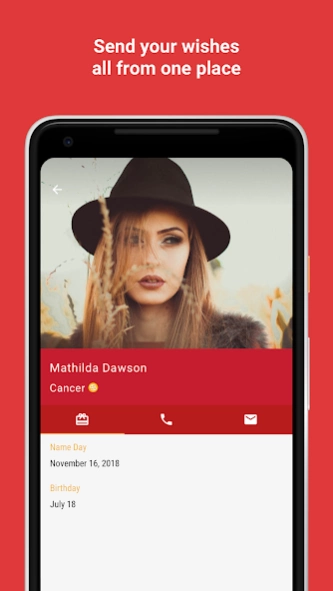
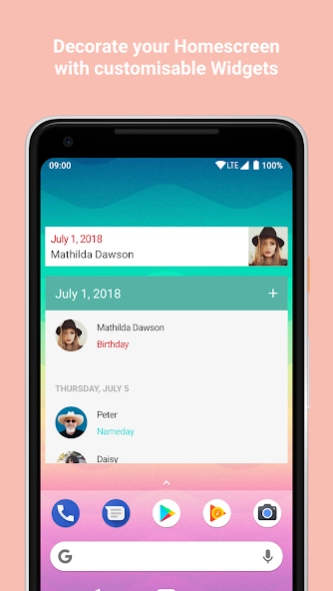
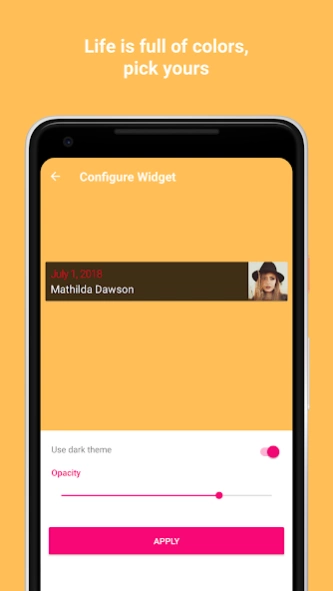
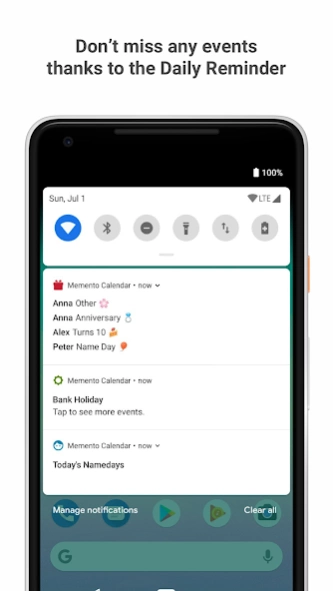
Birthdays, namedays, anniversaries all in one place
Designed as simple an app can be, Memento is the most user friendly and fast birthday and nameday app for your device. With a quick glimpse you can easily see the upcoming events of your loved ones for the entire year.
Thousands of users love Memento for its simple and lively design. A look at the app reviews are enough to tell :)
Features:
• Display
contact events such as birthdays and anniversaries
,
namedays
and
bank holidays
of the entire year
•
Add birthdays
to existing or new contacts
•
Search
for birthdays and namedays
•
Customisable Widget
for your home screen, displaying the upcoming events.
•
Daily reminder
for the events of the day
•
7 different themes
to choose from
• Modern
Material Design
• Frequent updates for improvements and features
Got a question or something is wrong? Send me an email at alexstyl.dev@gmail.com and I will reply as soon as possible :)
Memento Namedays is an open source application. Have a look at the source code at https://github.com/alexstyl/Memento-Namedays
About Memento: Birthdays & Namedays
The company that develops Memento: Birthdays & Namedays is Alex Styl. The latest version released by its developer is 15.7.1.
To install Memento: Birthdays & Namedays on your Android device, just click the green Continue To App button above to start the installation process. The app is listed on our website since 2022-01-02 and was downloaded 3 times. We have already checked if the download link is safe, however for your own protection we recommend that you scan the downloaded app with your antivirus. Your antivirus may detect the Memento: Birthdays & Namedays as malware as malware if the download link to com.alexstyl.specialdates is broken.
How to install Memento: Birthdays & Namedays on your Android device:
- Click on the Continue To App button on our website. This will redirect you to Google Play.
- Once the Memento: Birthdays & Namedays is shown in the Google Play listing of your Android device, you can start its download and installation. Tap on the Install button located below the search bar and to the right of the app icon.
- A pop-up window with the permissions required by Memento: Birthdays & Namedays will be shown. Click on Accept to continue the process.
- Memento: Birthdays & Namedays will be downloaded onto your device, displaying a progress. Once the download completes, the installation will start and you'll get a notification after the installation is finished.
Program Details
System requirements
Download information
Pricing
Version History
version 15.7.1
posted on 2022-01-02
version 15.3.0
posted on 2021-01-14
Bug fixes and stability improvements.
version 15.2.0
posted on 2021-01-11
Fixes issues with the app.
version 6.3
posted on 2016-11-26
* New option added to search for Namedays even in surnames.
